
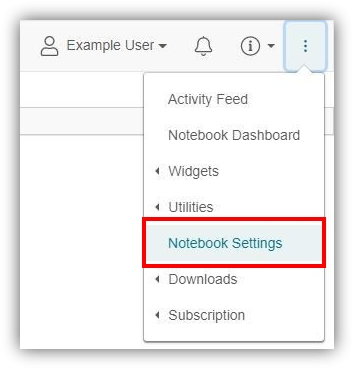
User Management allows you to add and manage users for the entire notebook. The Owner and Administrator can access this feature. To access this feature, click the triple bar icon in the top right and select "Notebook Settings".
- Step-by-step instructions: 6.04 User Management [HTML]
Click on the second tab, "User Management".
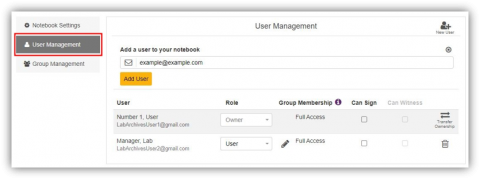
Control who has what level of access to your notebook!
Comments
0 comments
Please sign in to leave a comment.