
You’ve already got a LabArchives® notebook, so start adding your research to it!
When you signed up for LabArchives® you created your first LabArchives® notebook. Now it’s time to add your research to it:
- Log in
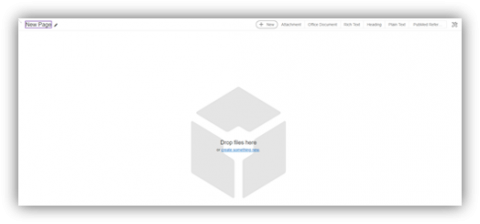
- Drag and drop any file type or...
- Click create something new in the center of the page
- Select an entry type from the menu
- Step-by-step instructions: 3.02.4 Add Data to your Notebook [HTML]
Organize your research into as many notebooks, folders, pages and entries as needed.
To add a new notebook simply click Notebooks in the top left corner and the + symbol.
- Step-by-step instructions: 3.02.2 Create New Notebook [HTML]

Upload and organize data quickly in LabArchives®. Do better science, fast.
Comments
0 comments
Please sign in to leave a comment.