
The Notebook Manager allows you to organize all the Notebooks to which you have access. In the Notebook Manager, you can choose which Notebooks will and will not appear in the Notebook Navigator. You can also remove yourself from a Notebook, or delete a Notebook you own. Lastly, you can clone any Notebook that you own.
- Step-by-step instructions: 8.01.4 Notebook Manager [HTML]
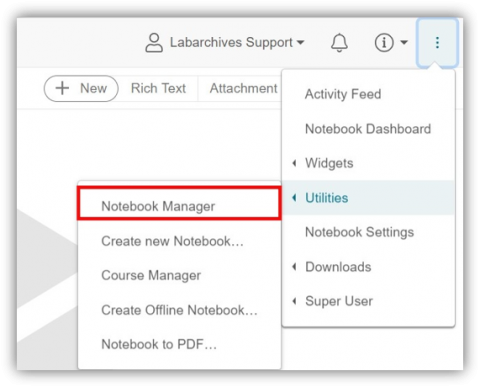
To access Notebook Manager, click the triple-dot icon as shown below:
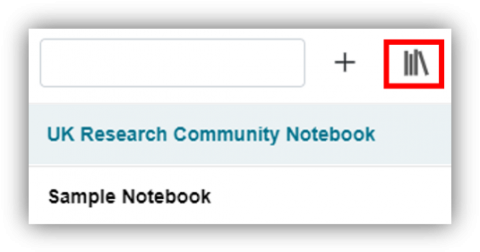
Or click the |||\ icon above your notebooks:
Choose how you want to manage your notebooks!
Comments
0 comments
Please sign in to leave a comment.